
DocsShip apps
Scheduled jobs and workers
Run commands on a schedule or on demand, and long-running workers next to production, from the same version and settings.
The Jobs tab is for apps on servers.
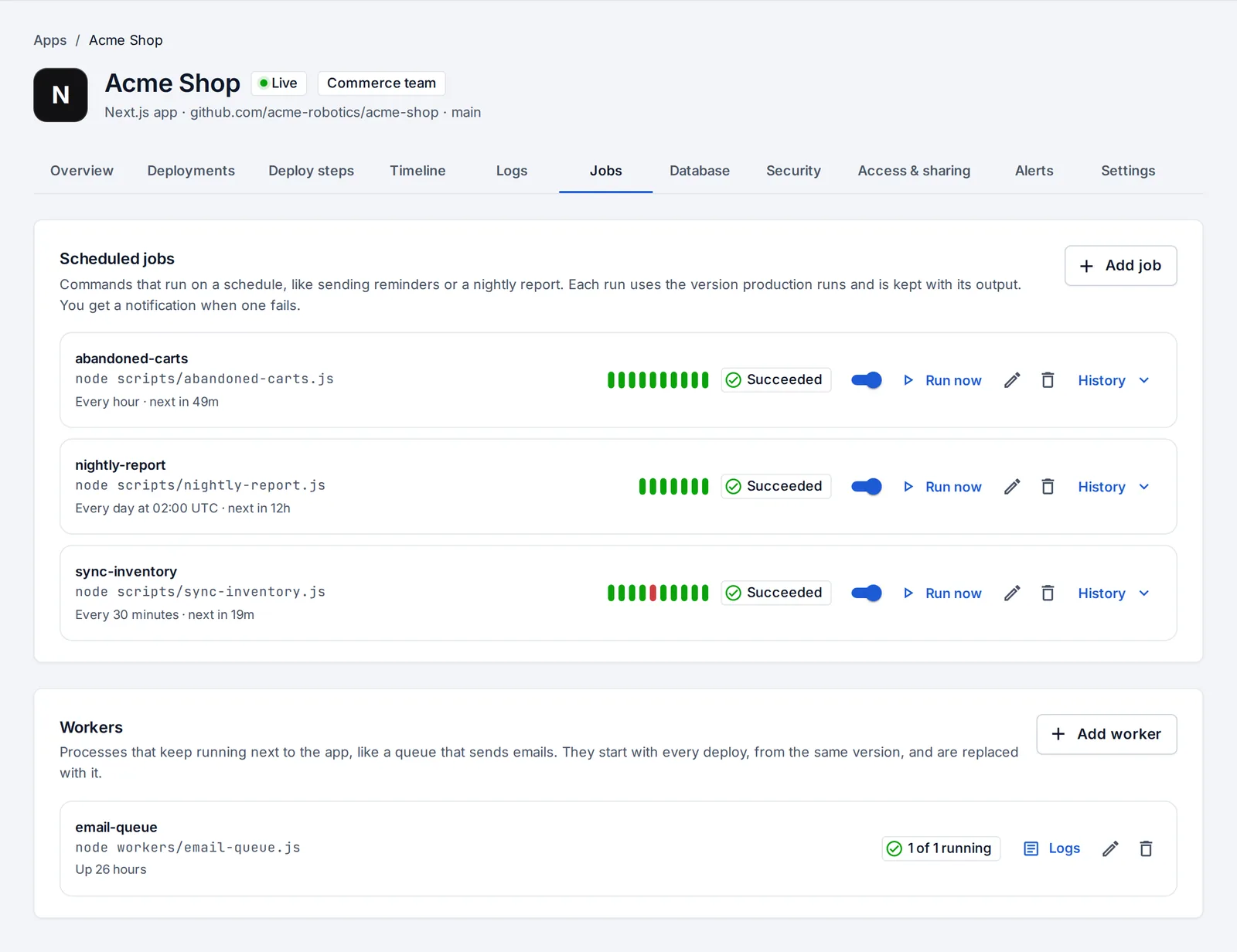
Scheduled jobs
A job is a command, like node scripts/nightly-report.js, that runs on a schedule or when you press Run now.
- Press Add job.
- Enter the command and the schedule (cron, in UTC; OpsNexa Online shows it in plain words, like “every day at 02:00 UTC”).
- Optionally set a time limit.
Each run starts in a fresh container of the version production runs, with the app’s settings and database. Every run keeps its exit code and output (under History). A run past its time limit is stopped, and a failed run sends a notification.
Workers
Workers are long-running processes from the same version, like a queue that sends emails.
- Press Add worker and enter the command.
- Choose how many copies (1 to 5).
Workers start next to production on every deploy and show in the Logs tab. If a worker stops right after starting, the new version isn’t put live, so a broken worker can’t take production down with it.
Something unclear or missing? Tell us, or press the ? at the top of OpsNexa Online for the guide and tours inside the product.