
OpsNexa Online docs
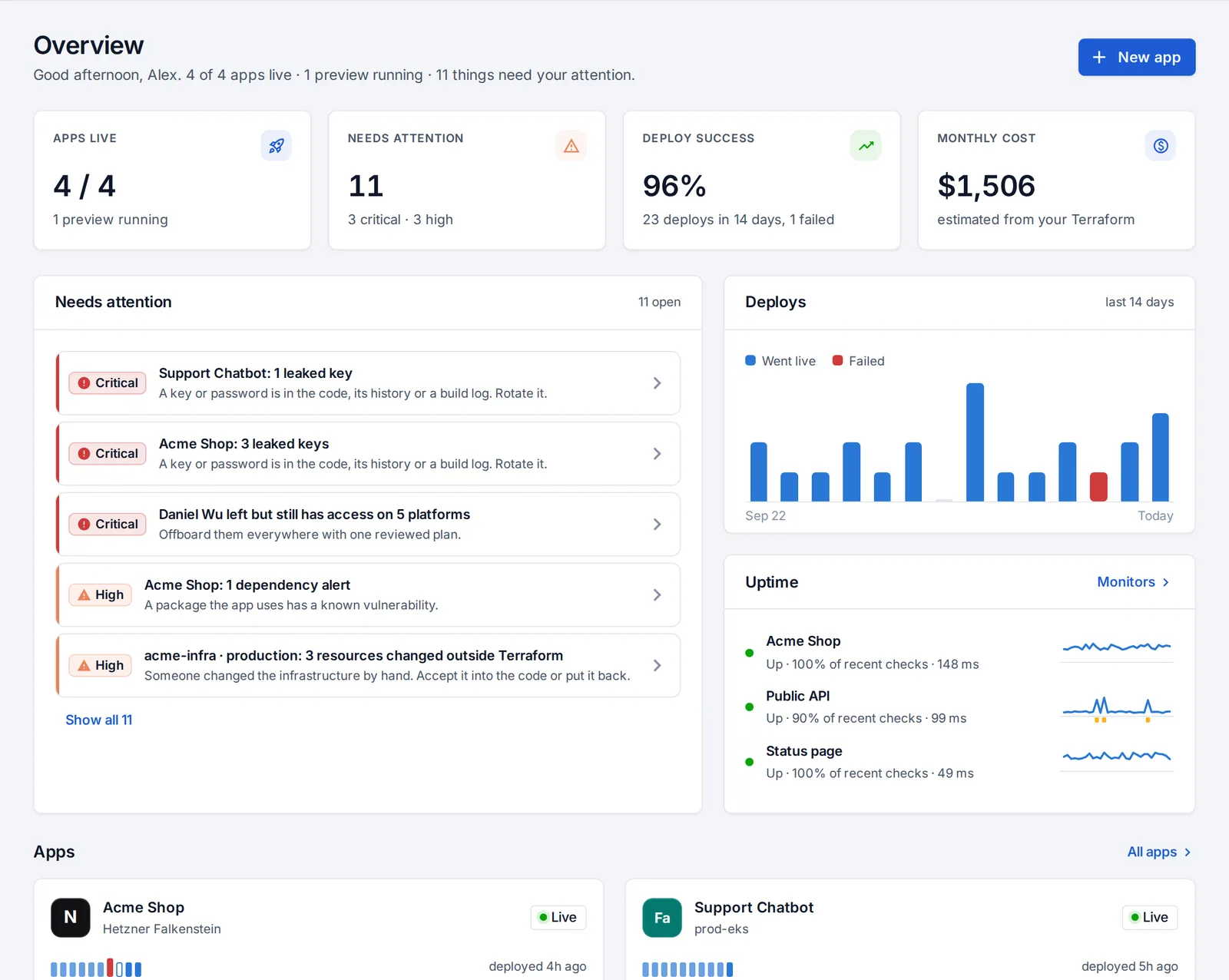
OpsNexa Online is one place to ship your apps to your own servers, operate them, check your code and keep everyone’s access in check. These docs walk through each part: what it is, why it’s worth setting up, and how, step by step.
New here? Start with these
Your first hourSign up, connect a server, deploy an app and invite your team.
RolesWhat testers, sandbox accounts, developers and admins can do.
Connect a serverAny Linux machine with Docker, reached over SSH.
Deploy an appFrom a repository link to a live address with HTTPS.
Find your way around
Everything is in the sidebar on the left, in three groups:
| Group | What’s there |
|---|---|
| Ship | Apps, Connections (servers, clusters, registries, git accounts, private networks) and AI assistants |
| Operate | What changed, Infrastructure drift, Leaked keys, Cloud waste, Monitors, Notifications, People & access, Least privilege, Users, Compliance and Audit log |
| Toolkit | Repositories, Teams, Systems, and the tools for diagrams, IaC security, cost, Kubernetes, containers, CI/CD, AI platforms and generators |
Your name at the top right opens My account and, for admins, Plan & billing. Press Ctrl + K (or ⌘ + K) anywhere to search for a page, an app or a repository.
Everything in the docs
Connect your infrastructureServers, Kubernetes, private networks and git accounts.
Ship appsDeploys, previews, settings, databases, jobs and sharing.
OperateWhat changed, health, alerts, leaked keys, drift and waste.
Code and infrastructureRepository checks, pull requests, systems and teams.
People and accessEvery platform, offboarding, reviews and compliance.
Team and accountInvites, sign-in, tokens, AI assistants and billing.
Something unclear or missing? Tell us, or press the ? at the top of OpsNexa Online for the guide and tours inside the product.